
youdie006/swapdex
youdie006 Rust7updated 1mo ago
One command flips Claude Code, Codex, Gemini CLI or Antigravity between your work and personal accounts - no re-login, no browser, no tokens copied. Each account keeps its own permanent home, so switching can never log the other one out. The switch itself never touches the network.
Codex
account-manageraccount-switcherclaudeclaude-codeclicodexcredentialsdeveloper-toolsopenairust
README
<div align="center">
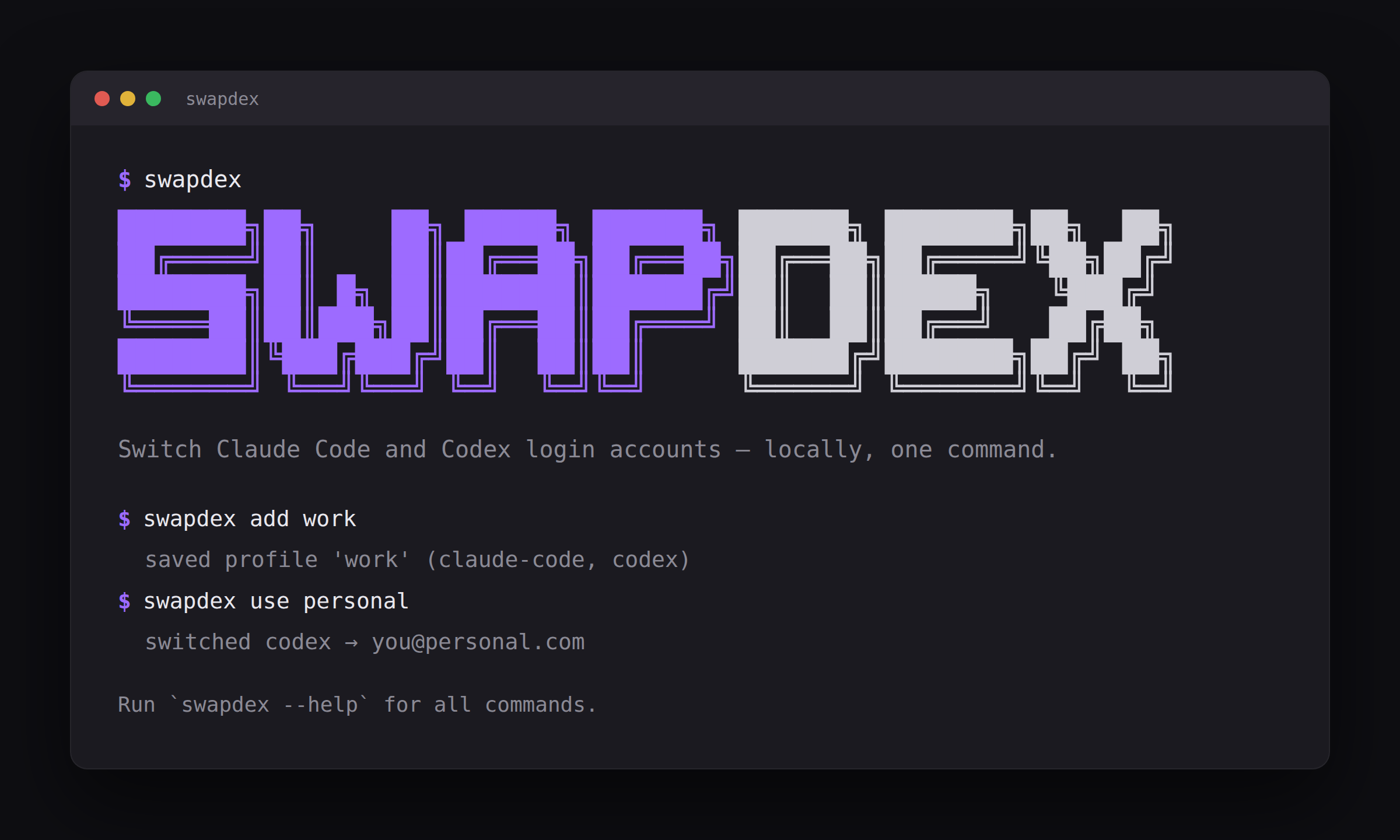
<img src="https://raw.githubusercontent.com/youdie006/swapdex/main/docs/cli-banner.png" alt="swapdex - switch Claude Code, Codex, Gemini CLI and Antigravity login accounts, one command, all local" width="760" />
</div>
Keep your Claude Code and Codex accounts in separate login directories, then choose which account handles the next request in a managed conversation. Sign each account in once; subsequent account selections do not require a new login while its credentials remain usable. Gemini CLI and Antigravity use the supported snapshot-switching workflow.
brew install youdie006/tap/swapdex     # macOS / Linux
npm  i -g @youdie006/swapdex           # or, if you have node
cargo install swapdex                  # or, if you have rust
Start with the Claude/Codex quickstart. Install notes · existing logins · network behavior.
Why
If you run Claude Code, Codex, Gemini CLI, or Antigravity under more than one account -- a work seat and a personal subscription, a client's org and your own -- switching means logging out and back in every time.
swapdex gives each Claude or Codex account its own permanent space -- its
own CLAUDE_CONFIG_DIR or CODEX_HOME slot. A small launcher called a shim
makes plain claude or codex commands