
leemysw/feishu-docx
leemysw Python235updated 4mo ago
🚀 Feishu/Lark Docs、Sheet、Bitable <-> Markdown | AI Agent-friendly knowledge base exporter and writer with OAuth 2.0, CLI, TUI & Claude Skills support - 飞书文档 <写入/导出> Markdown | AI Agent 友好型导出-写入工具
Claude
ai-agentclaude-skillscontextfeishufeishu-docxfile-parserknowledgelarklark-docxmarkdownskills
README
<div align="center">
feishu-docx
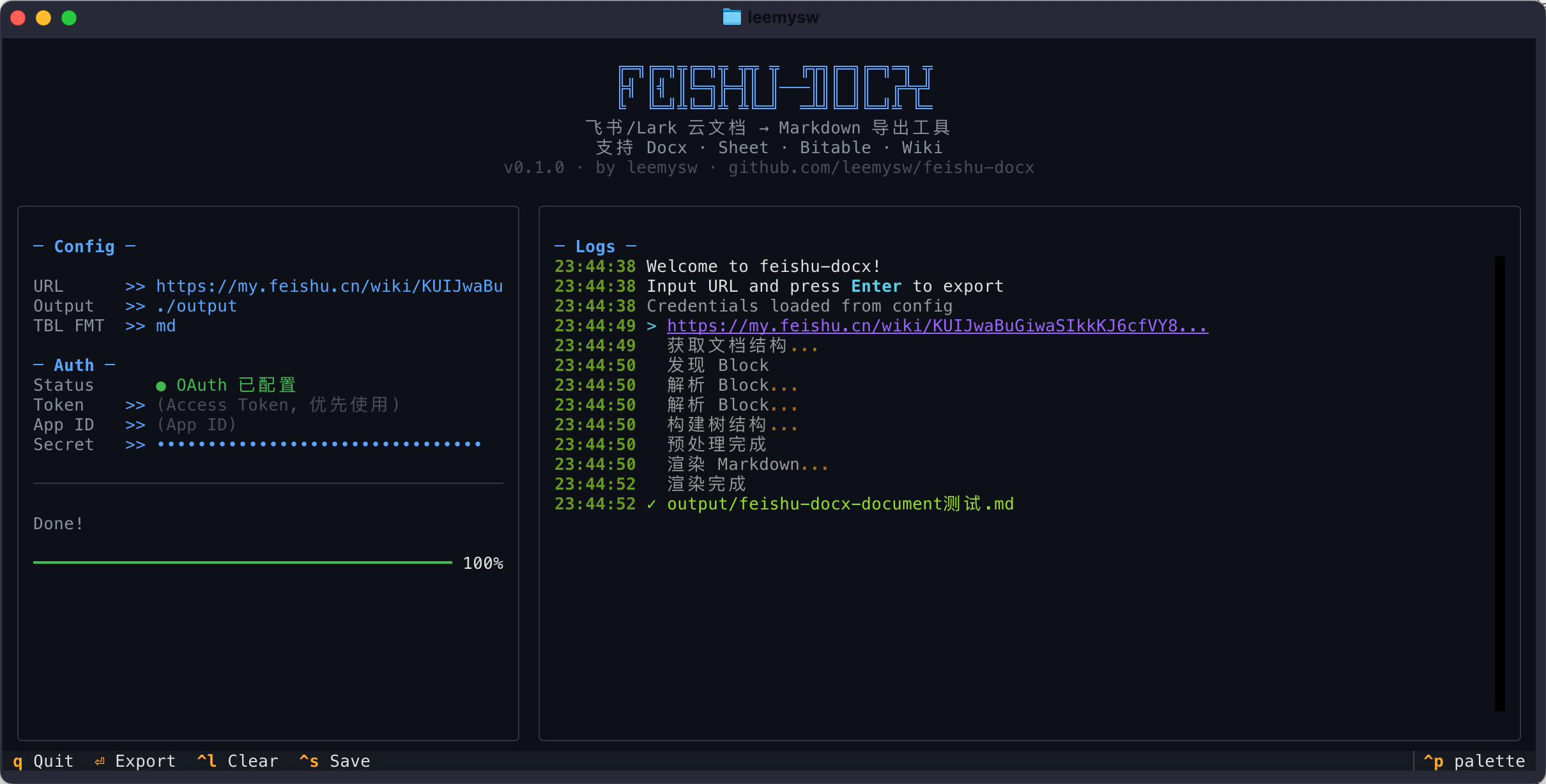
<p align="center"> <em>Feishu knowledge base export, writing, and cloud-space management tool with Markdown, WeChat import, CLI, TUI, and OAuth 2.0</em><br> </p> <p align="center"> <a href="https://github.com/leemysw/feishu-docx/blob/main/README_zh.md">中文</a> | <strong>English</strong> </p> </div> <div align="center"> <img src="https://raw.githubusercontent.com/leemysw/feishu-docx/main/docs/tui.png" alt="feishu-docx TUI" width="90%"> </div>🆕 Recent Updates (v0.2.6)
- Added Add-ons Block rendering support
- Sheet export now handles rich-text cells instead of emitting Python list/dict strings
export/export-wiki-spacenow support--sheet-value-modefor display values or formulas
🎯 Why feishu-docx?
Let AI Agents read, write, and manage your Feishu/Lark knowledge base.
- 🤖 Built for AI — Works seamlessly with Claude/GPT Skills for document retrieval
- 📄 Full Coverage — Documents, Spreadsheets, Bitables, Wiki nodes, and WeChat articles
- ✍️ Write Back Support — Create docs, append content, and update specific blocks
- ☁️ Cloud-Space Management — List files, delete files, manage permissions, clear files safely
- 🔐 Authentication — One-time auth, automatic token refresh
- 🎨 Dual Interface — CLI + Beautiful TUI (Textual-based)
- 📦 Zero Config —
pip installand start exporting
⚡ Quick Start (30 seconds)
# Install
pip install feishu-docx

# Configure credentials (one-time)
feishu-docx config set --app-id YOUR_APP_ID --app-secret YOUR_APP_SECRET

# Export! (auto-obtains tenant_access_token, no OAuth needed)
feishu-docx export "https://my.f